Backend Setup Guide
Setup Environment
- Install Python >= 3.10
- Clone this repository:
- Open project folder in terminal
- Create
.venv - Activate
venv - Install required packages
- Add
.env.localfile with following environment variables.env.localDJANGO_SECRET_KEY=<Django Secret Key> DEBUG=True DOMAIN=localhost:3000 SERVER=http://localhost:8000 SITE_NAME=UniLink EMAIL_HOST_USER=<Email That will be responsible for sending emails> EMAIL_HOST_PASSWORD=<App Password of the Email> AUTH_COOKIE_SECURE=FalseObtain Django Secret Key Obtain Gmail App Passwords - Migrate database
- Create admin account
- Run the server
- Now you should be able to see the server at http://localhost:8000
Obtain Django Secret Key
Ways to Obtain Django Secret Key
- Create a django project and copy the secret key from
settings.py
- Go to Django Secret Key Generator and click generate.
Obtain Gmail App Password
You can follow the steps below to obtain the app password
- Go to Google Account > Security
- Turn on
2-Step Verification - Go to Google Account > Security > App Passwords
- It may ask you to enter password to verify your identity
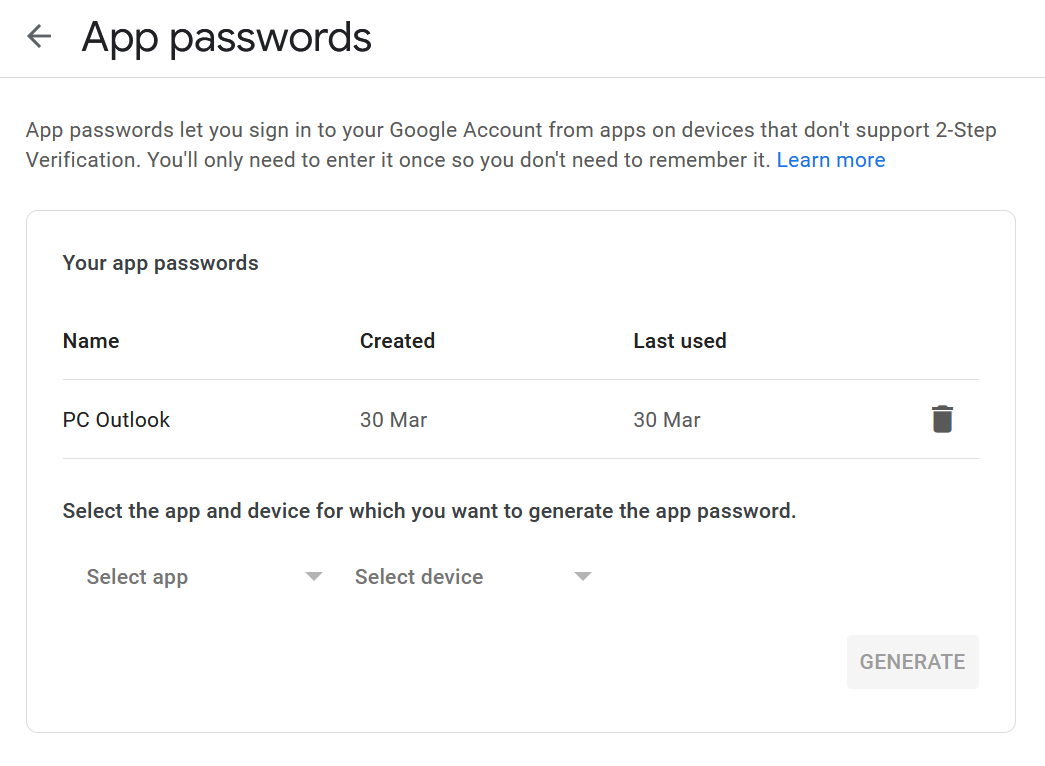
- Now you should see a page like this,
- Now, select
appanddeviceand clickGenerate(it doesn't matter what you select)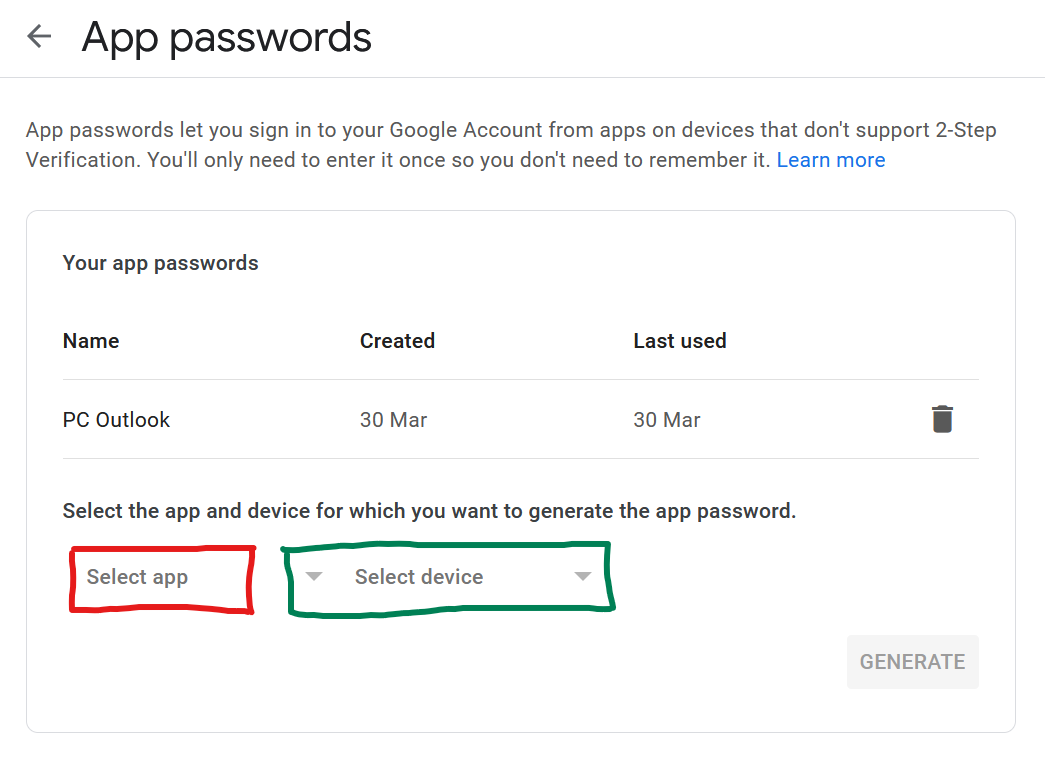
Last update:
August 30, 2023